Redefine your HMI: Put your Users’ Experience (UX) at the Center
Graphic design and user experience (UX) are crucial factors today to stand out, based on creating meaningful and functional experiences for users.


The current market brings together fierce competition from companies that have more and more resources, which makes it difficult to stand out from the rest. Users, with such a wide portfolio of possibilities, choose those solutions that satisfy their needs more (and better). With a huge range of tools that cover the basic needs of the industry, graphic design and user experience (UX) are crucial factors today to stand out. And no, it is not just pure aesthetics: we are talking about creating meaningful and functional experiences for users.
What Do We Mean by User Experience (UX)?
When we talk about user experience (UX), we are referring to the behaviors, attitudes, and emotions about the use of a particular product, system, or service. It includes practical, experimental, effective, meaningful aspects and valuable aspects in the person-system interaction. Also, the person’s perception of system aspects such as utility, ease of use, and efficiency.
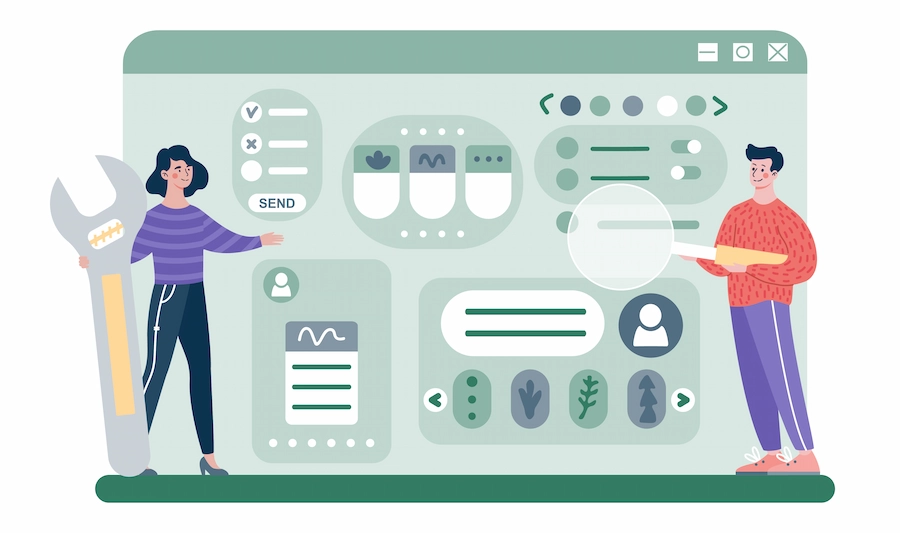
UX-centered design. How to avoid “I want a pretty application”?
As we mentioned at the beginning, current tools can generate the false belief that the “core” of the design is to make it as beautiful as possible. While more and more attention is being paid to the visual aesthetics of products, it is important that they are focused on improving user satisfaction through usability and pleasure in product interaction.

Thus, UX/UI design, which ranges from graphic interface to industrial design and physical interaction, has the task of ensuring that all aspects of the product are perceived positively by users, without being limited to the visual part of the application.
UX Design also Helps Improve Situational Awareness
In the same vein, the design of interfaces considering their usability also facilitates the user experience in critical situations, ensuring that relevant information is clear and accessible. Based on proven design patterns, abnormal states can be detected much more quickly or alarms can be managed effectively, among other cases.

With this design philosophy, clutter and irrelevant decorations are avoided. Instead, important information is assigned to the main part of the screen clearly, avoiding any possible distraction.
AVEVA InTouch HMI, a Solution that Optimizes the User Experience (UX)
AVEVA InTouch HMI is a solution designed by and for the user, with tools such as the Situational Awareness Library, which includes a set of predefined graphics that can be adapted according to the specific needs of each one. These tools help create visually appealing and functional interfaces that improve user interaction and satisfaction.
Estos incluyen los elementos indispensables para conformar una experiencia de usuario diferenciada y efectiva. ¿Que cuáles son? ¡Ven al webinar y descúbrelos!